GameBanana
Nahida Desktop lets you browse and download GameBanana mods directly inside the app without opening a web browser.
This page explains how to browse and download mods from the GameBanana page.
Getting Started
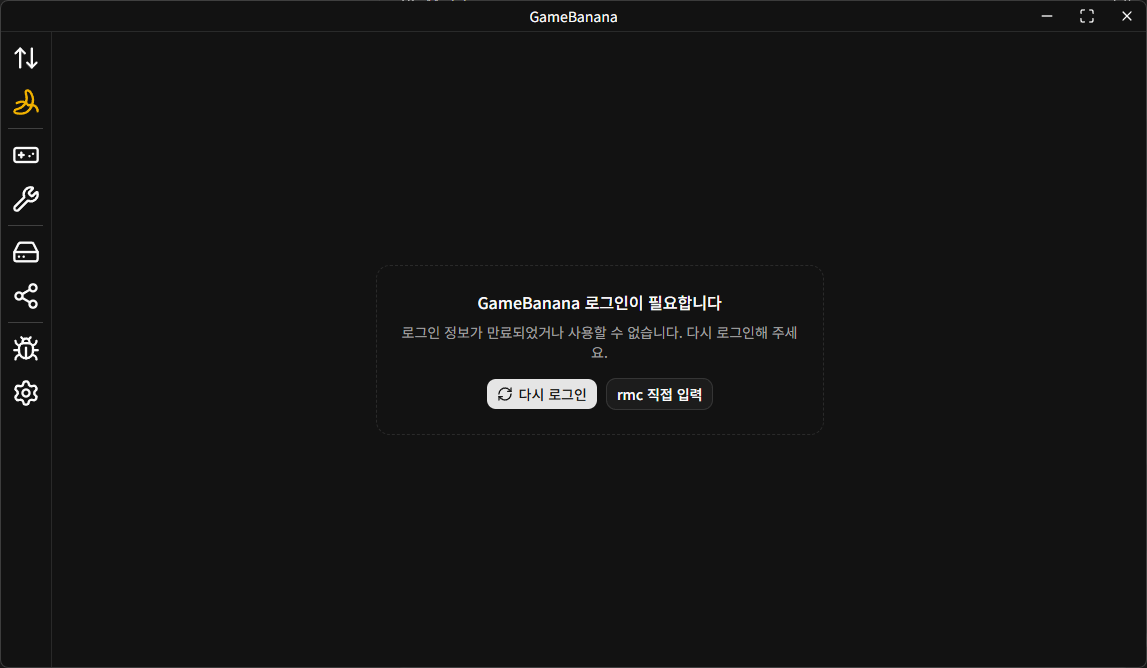
You need to sign in to GameBanana before using this feature.
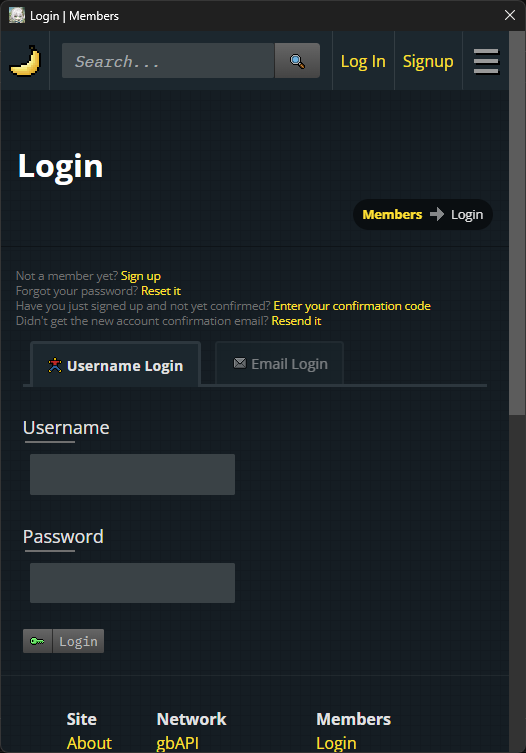
When you open the GameBanana page from the left sidebar, a GameBanana sign-in window appears if authentication is required.
You can sign in with whichever method you prefer, such as Username or Email.
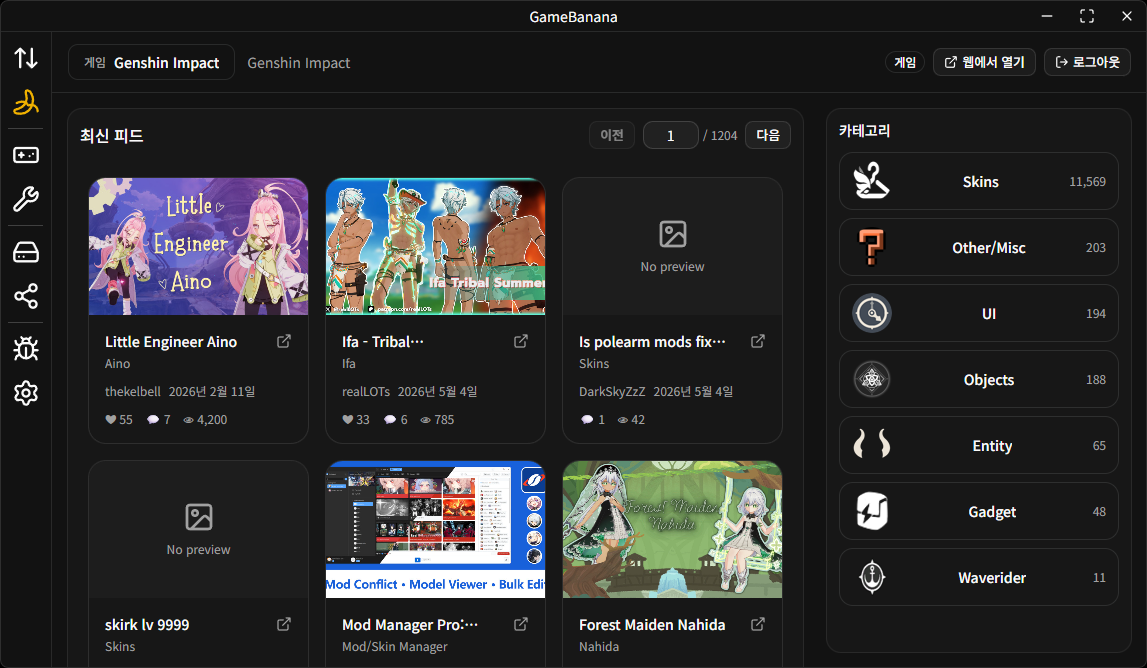
After sign-in completes successfully, the sign-in window closes automatically and the main GameBanana page is shown.
Browsing
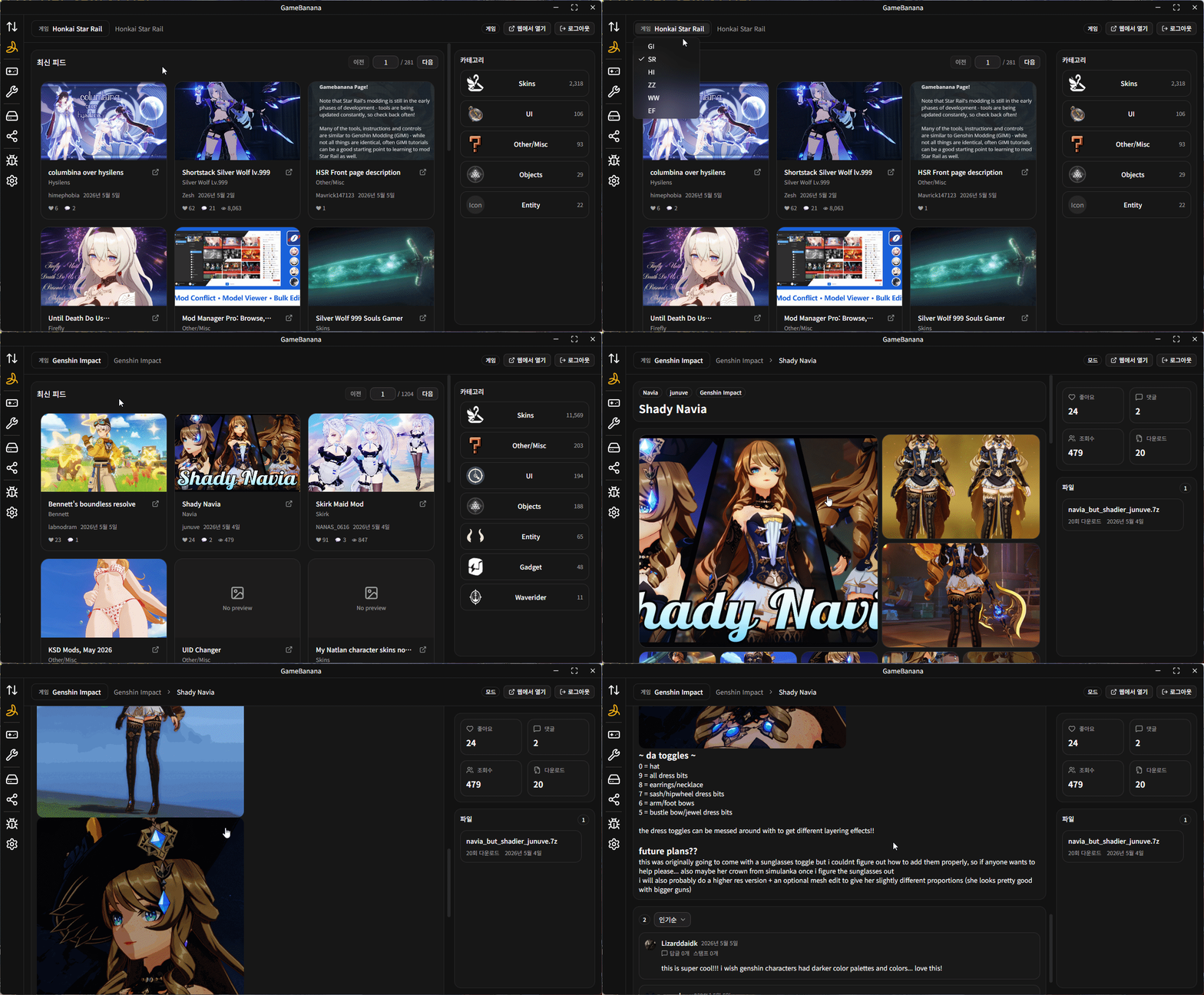
You can browse mods on the GameBanana page in the following ways:
- Select the game you want to browse from the upper-left corner.
- Choose the category you want from the right side.
- Click a mod card to open its detail page.
Downloading
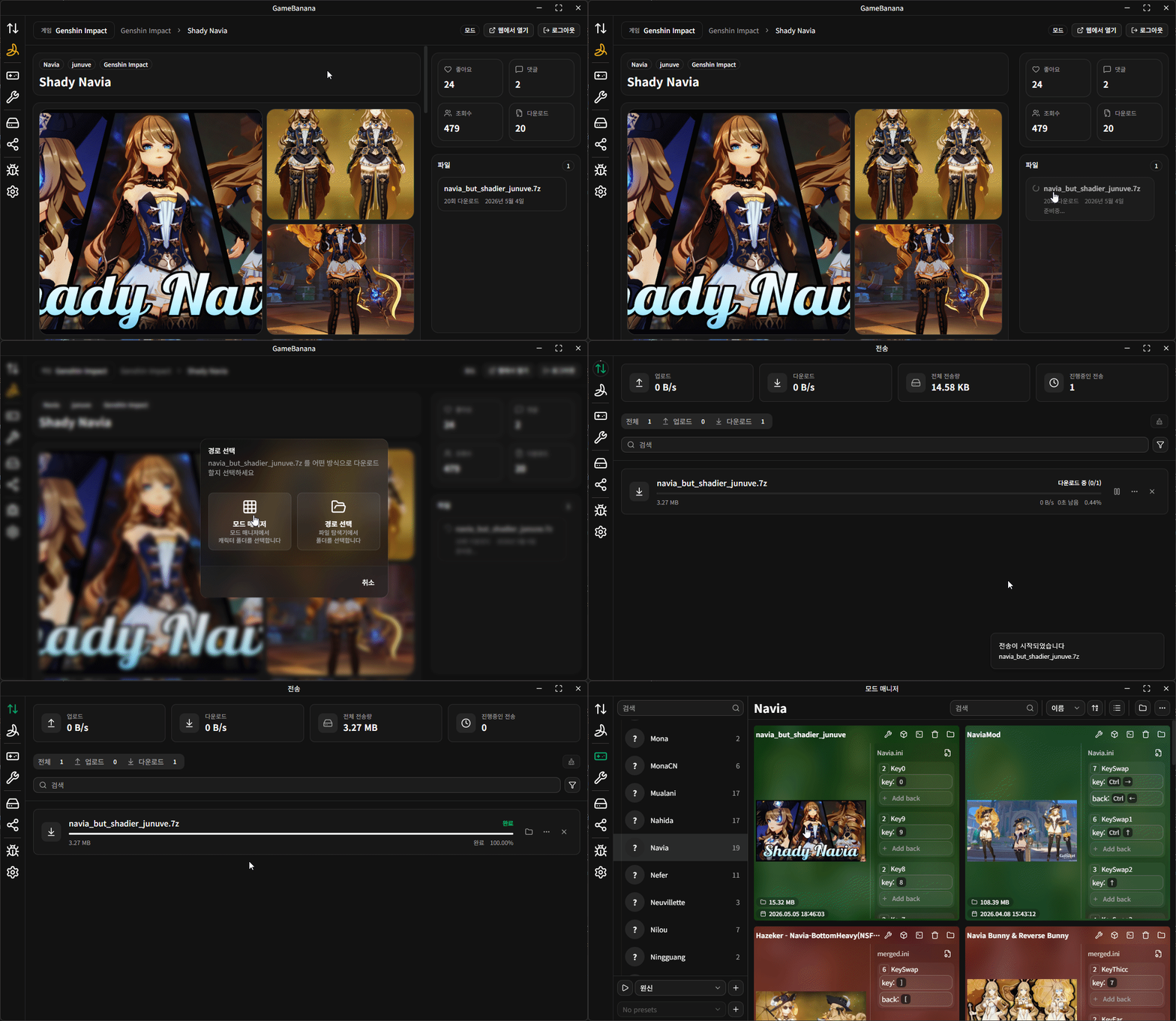
On the download card at the right side of the mod detail page, you can see the list of files for that mod.
Click the file you want to download, choose a download method, and the download will start.
When the download finishes, the mod's thumbnail image is also downloaded automatically and saved in the extracted mod folder.